Maximizing Local Visibility: A Tactical Guide to Google Maps and SEO
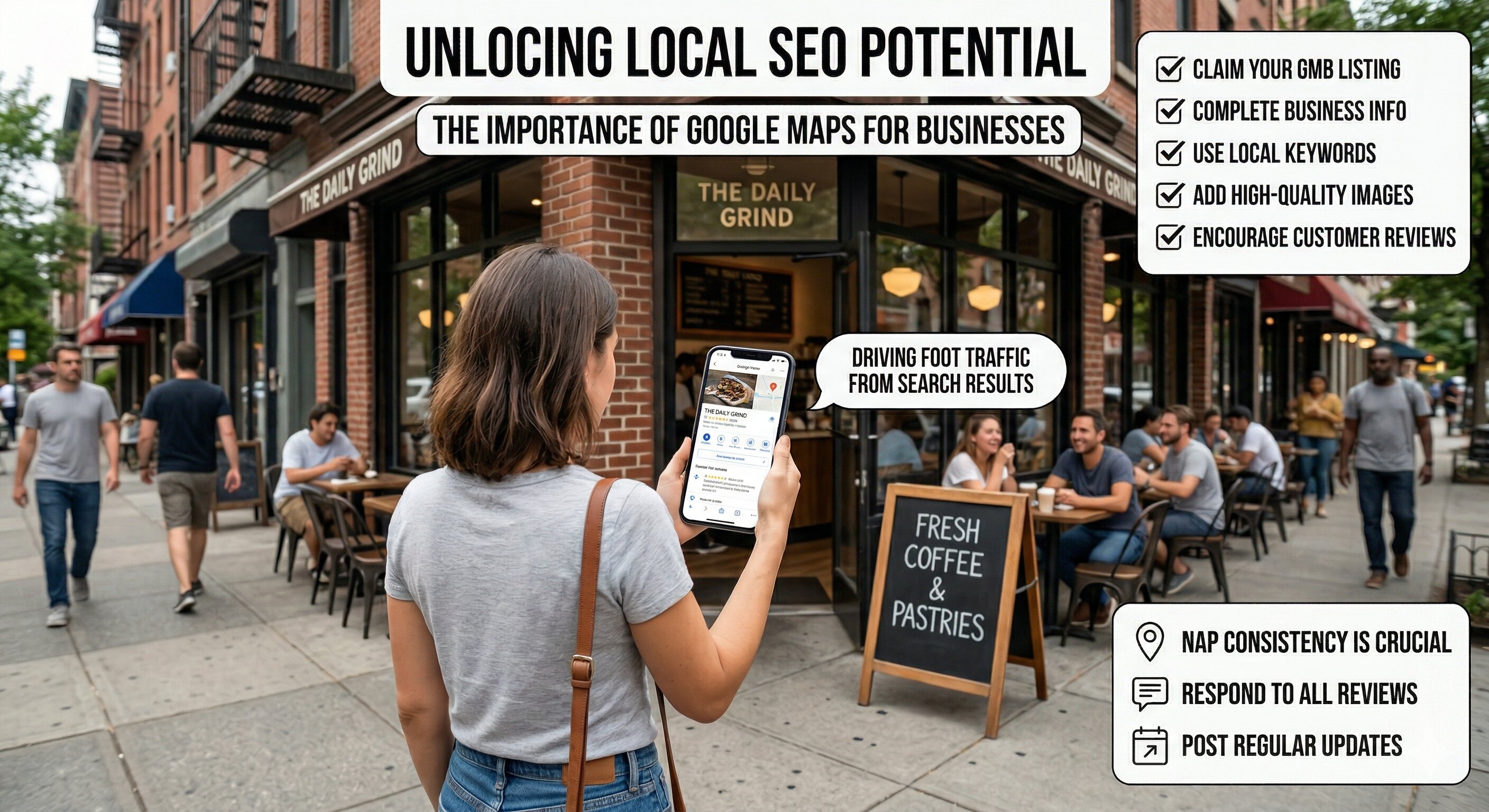
Unlock the power of Google Maps for local SEO. This tactical checklist equips growth agencies, B2B service providers, and local businesses with practical steps to enhance visibility and drive more leads.
Understanding the Importance of Google Maps in Local SEO
Google Maps is not just a navigation tool; it’s a powerful platform for local businesses to improve their online visibility. With millions of searches performed daily, optimizing your Google Maps presence can significantly impact foot traffic and lead generation.
Essential Checklist for Google Maps Optimization
To make the most of Google Maps as a local SEO tool, follow this tactical checklist:
- Create and Claim Your Google My Business Listing: Ensure your business is listed and claimed to gain control over your information.
- Complete All Information: Fill out your profile completely, including name, address, phone number, business hours, and website link.
- Utilize Keywords in Business Description: Embed relevant local keywords naturally into your description without keyword stuffing.
- Choose Appropriate Categories: Select primary and secondary categories that accurately describe your business.
- Add High-Quality Images: Upload high-quality photos that showcase your products, services, and location.
- Encourage Customer Reviews: Prompt satisfied customers to leave positive reviews and ensure you respond to all feedback.
- Post Updates Regularly: Use the Google My Business posts feature to share updates, promotions, and news.
Advanced Techniques for Local SEO and Google Maps
Beyond basic optimization, consider these advanced strategies to enhance your visibility:
- Optimize for Local Keywords: Use tools like Google Keyword Planner to identify local keywords and include them in your content and listings.
- Leverage Local Backlinks: Build relationships with local businesses and organizations to gain backlinks that boost your SEO authority.
- Ensure NAP Consistency: Your Name, Address, and Phone Number should be consistent across all online platforms to enhance trustworthiness.
- Utilize Geo-Targeting in Ads: Implement geo-targeting strategies in Google Ads to attract local customers effectively.
Common Pitfalls in Google Maps Optimization
To avoid setbacks in your local SEO efforts, be mindful of these common pitfalls:
- Inaccurate Information: Incorrect details can confuse customers and harm your business reputation.
- Neglecting Reviews: Failing to address customer reviews can lead to a decrease in trust and engagement.
- Ignoring Insights: Google My Business provides insights that can help refine your strategy; don’t overlook these valuable metrics.
Comparative Analysis: Google Maps vs. Traditional Local SEO
| Aspect | Google Maps | Traditional Local SEO |
|---|---|---|
| Visibility | High, with immediate local search results | Gradual, based on website rankings |
| User Engagement | Direct interaction via reviews, Q&A | Indirect through website metrics |
| Updates | Real-time updates via Google My Business | Slower with website changes |
Frequently Asked Questions (FAQ)
What is Google My Business?
Google My Business (GMB) is a free tool that allows businesses to manage their online presence across Google, including Search and Maps.
How often should I update my Google My Business profile?
Regular updates are recommended. Aim for at least once a month, especially when there are significant changes or promotions.
Are customer reviews important for Google Maps visibility?
Yes, positive reviews can enhance your visibility in local search results and build trust with potential customers.
Can I track the performance of my Google Maps listing?
Absolutely. Google My Business provides insights that help you track views, engagement, and overall performance.